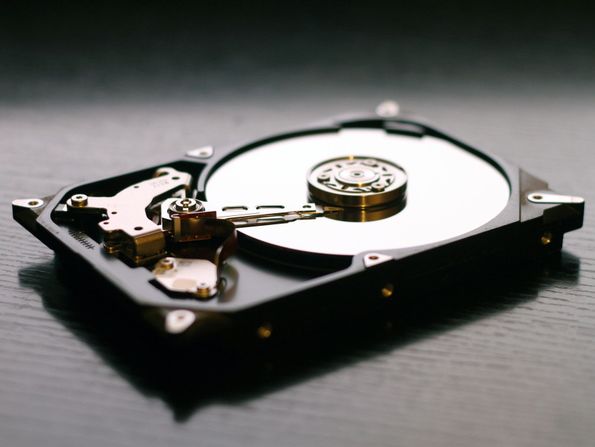
Hard Drive Data Recovery
Clicking, beeping, dropped or dead hard drives. Mechanical, electronic and logical failures on every make and interface.
Learn more
Seagate is the world's largest hard drive manufacturer, but its drives are still vulnerable to physical crashes, firmware faults and electronic failures. Whatever caused your Seagate drive to fail, we can help get your files back from your desktop, laptop, external drive or server.
Clicking, beeping or a drive that spins up and stops. These are signs of failed read/write heads or a seized motor. The drive needs a head or motor transplant in clean conditions, using matched donor parts. Running it again, or tapping it, can scratch the platters and make the data unrecoverable.
Detected with the wrong name, as 0 MB, or not at all. Many Seagate drives fail at firmware level: the drive powers up and spins normally but stays “busy” or reports no capacity. The data is usually intact. We repair the drive's service area with professional equipment so it can be read again.
External drives that stopped being recognized. On many Seagate Expansion, Backup Plus and One Touch portable drives the USB connector is built into the drive's own circuit board, so there is no separate SATA drive inside to plug into another computer. Recovery needs the right adapter or a board repair rather than taking the case apart.
Slow, then failing, in a NAS. IronWolf and SkyHawk drives run around the clock; when one fails in a RAID or NAS, the rebuild puts heavy load on the others. If a second drive drops out during a rebuild, stop and don't re-initialize the array.
Usually, if it is powered off quickly. Clicking normally means failed heads, which we replace in clean conditions before imaging the drive.
Usually not. That is typically a firmware fault, and the data on the platters is still there once the firmware is repaired.
Yes. We recover Expansion, Backup Plus and One Touch drives, including models where the USB port is built into the drive's own board.
The evaluation is free and you get a firm quote before any work starts. If we can't recover your data, there is no charge.
No. You can mail your drive from anywhere in the USA, or book a pickup in Los Angeles County, the Inland Empire or Ventura County.
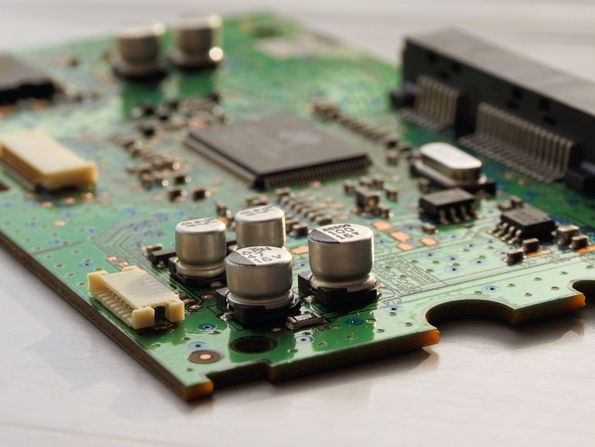
Clicking, beeping, dropped or dead hard drives. Mechanical, electronic and logical failures on every make and interface.
Learn more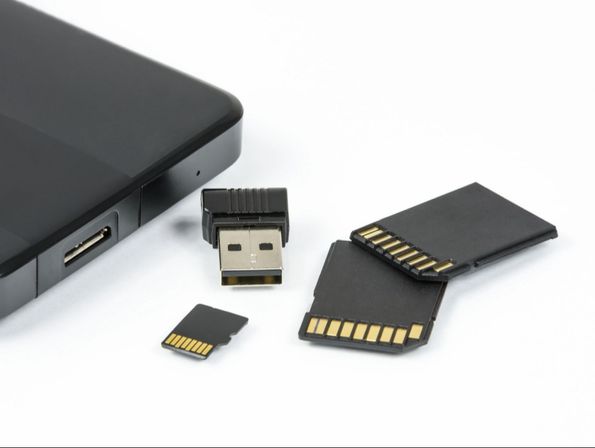
SATA and NVMe solid-state drives, failed controllers, firmware lockups and corrupted flash.
Learn more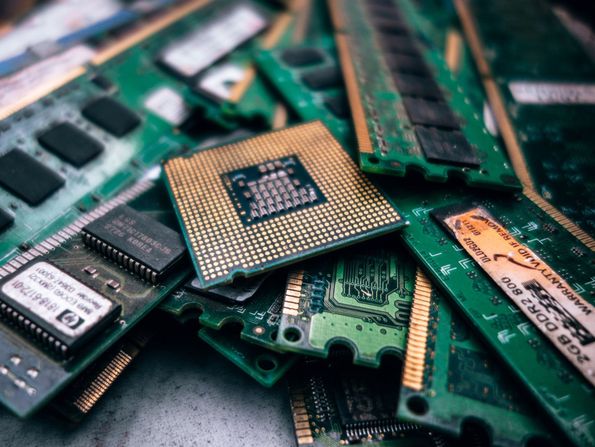
Computer, laptop, external drive, USB, memory card and NAS recovery for homes and businesses.
Learn more
MacBook, iMac, Mac mini and Mac Pro recovery — including APFS, Fusion Drive and soldered SSDs.
Learn moreFree evaluation, upfront quote, no data — no charge. Mail your drive from anywhere in the USA, or book a pickup in Los Angeles County, the Inland Empire or Ventura County.